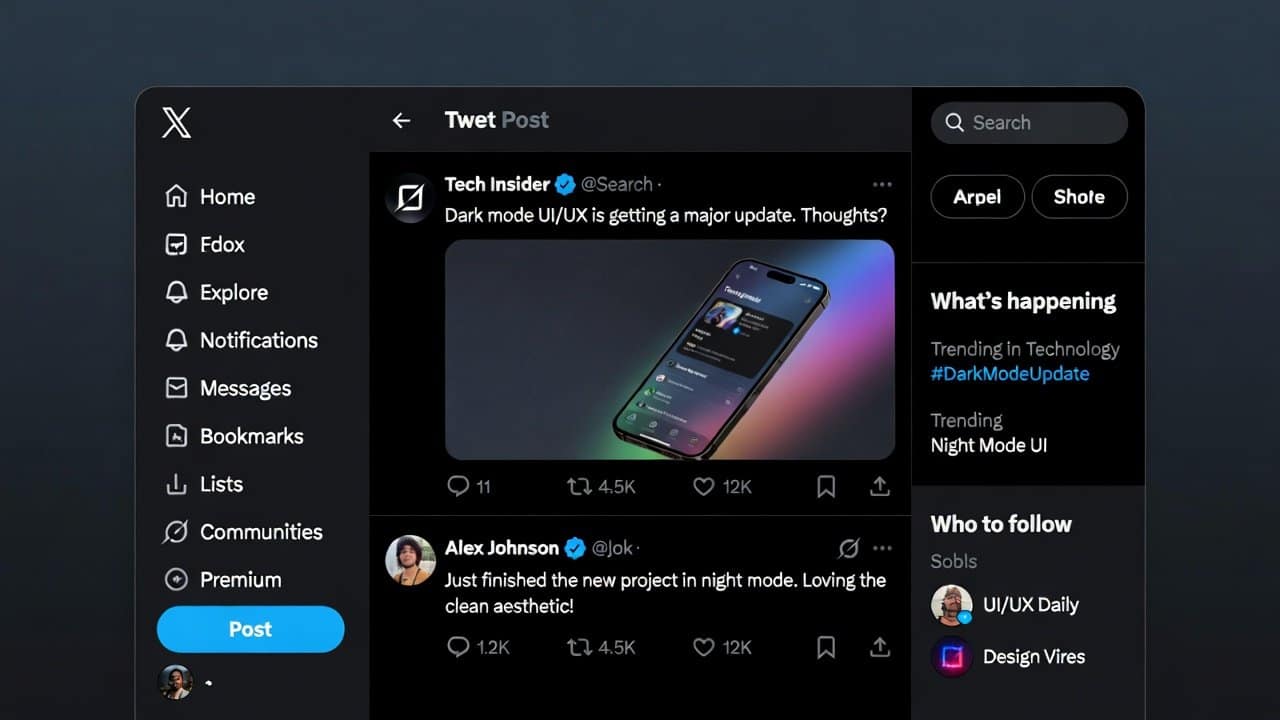
Dark mode Twitter is getting attention because people are trying to figure out what changed on X, the platform still widely called Twitter by everyday users.
A recent post from X’s head of product, Nikita Bier, said the company does not have the capacity to support more than two colors right now and added that X is looking into lightening the black on the web. That comment matters because X’s own Help Center still describes two dark choices, Dim and Lights Out, across web and mobile.
On one side, a top product voice is signaling a tighter set of theme options. On the other hand, official help pages still tell users they can choose between Dim and Lights Out. When readers see mixed signals like that, search interest rises fast.
What X Has Confirmed About Dark Mode Twitter
X still defines dark mode as a dark colored look meant to make reading more comfortable in low light. The company’s glossary says the feature is available on x.com, X for iOS, and X for Android.
Its accessibility page also lists dark mode support among core visual features and specifically mentions themes for dim or lights out.
That is why this is more than a design story. For many users, dark mode is part of daily comfort. It affects how long they can scroll, read posts, and use the app at night without harsh brightness.
X itself places dark mode inside its accessibility information, which shows the feature is tied to usability, not just looks.
How Users Can Switch Dark Mode on Twitter On
On the web version of X, the Help Center says users can open More, then Display, and choose their preferred background mode. That page still says the available dark choices are Dim and Lights Out.
On iPhone X says users can go to Settings and Privacy, open Accessibility, display, and Languages, then Display and Sound, and turn dark mode on. The same help page also says users can tap the light bulb icon for a faster way to reach dark mode settings and then pick Dim or Lights Out.
On Android, X gives very similar steps. Users can open Settings and privacy, go to Display and sound, switch on dark mode, and choose Dim or Lights Out. X also says Android users may be able to use device settings for automatic dark mode behavior.
What Users Need to Know About Dark Mode Twitter
X still officially documents dark mode across the web, iPhone, and Android, and those pages still mention more than one dark appearance.
At the same time, a recent public statement from X product leadership points to fewer supported color options right now, with a possible change coming to the black web background.
So, when people in the U.S. search for dark mode Twitter today, they are not asking a random question. They are trying to confirm whether the old viewing choices still exist, whether the web version is changing, and whether X’s official help pages still match the product people are seeing on screen.
Based on what X has officially published, dark mode is still very much part of the platform, but the exact theme choices may be the part users are watching most closely right now.