
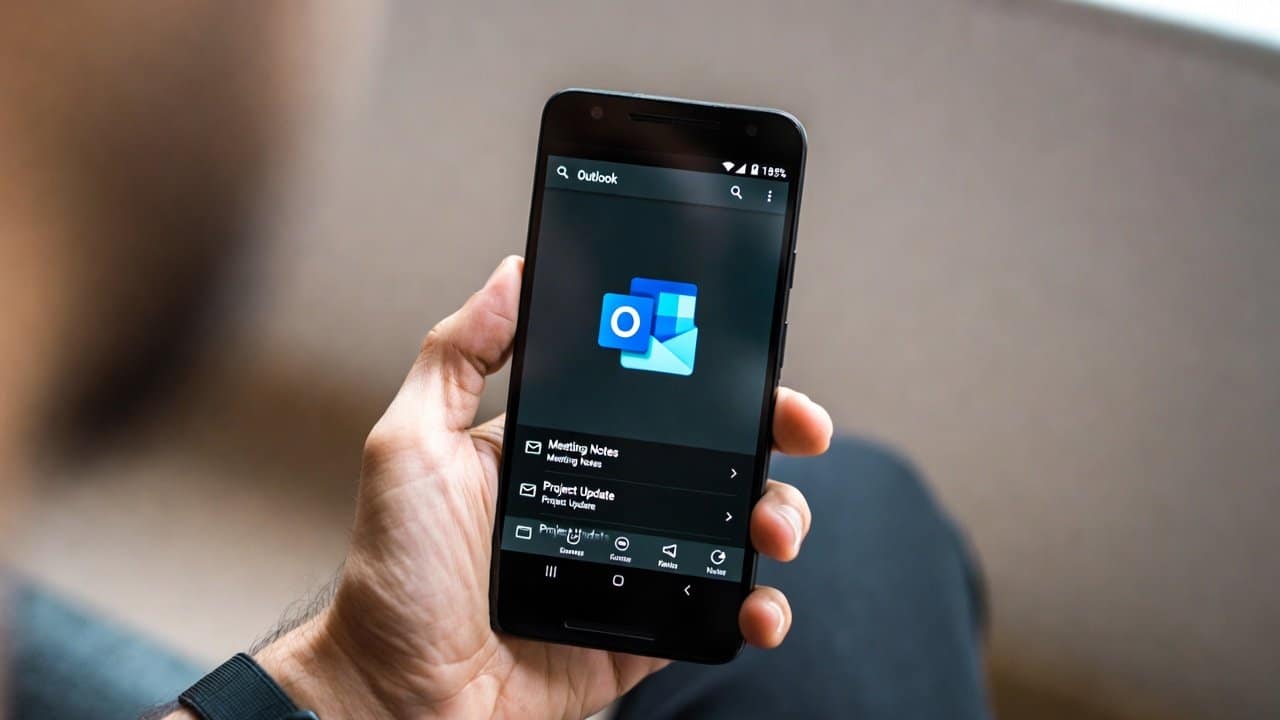
Email apps only become a big talking point when something changes. That is why Microsoft Outlook on Android keeps pulling attention back. The most important thing to know is that Microsoft still presents Outlook for Android as its core mobile mail experience, not a side product.
Microsoft’s own support pages say Outlook mobile brings together email, calendar, files, contacts, and Microsoft 365 tools in one place, and Microsoft’s mobile release notes show that Outlook for Android is still updated on a weekly basis, with recent 2026 builds focused on fixes and performance.
More Than Just an Inbox
What makes the app stand out is that Microsoft is not pitching it as a basic email reader. The company says Outlook mobile is built to help manage a full day across work and personal life from one screen.
On Android, setup is simple in Microsoft’s official guide: open the app, add an account, sign in, and start using it. Microsoft also shows that users can add more than one account, and the app can handle Microsoft 365, Exchange, and Google account sign-in through its setup flow, plus IMAP or POP accounts when needed. Microsoft does note one limit here: with IMAP or POP, only email syncs, not calendar or contacts.
The Android Features That Quietly Help Most
A lot of the useful parts are small ones that people notice after a few days of use. Microsoft highlights swipe controls, Focused Inbox, conversation view options, account-based notifications, and home screen shortcuts as part of the Outlook mobile setup.
The Android widget support is especially useful. Microsoft says users can place Outlook calendar and email widgets on the home screen, which means upcoming events and inbox access sit right on the device instead of staying buried inside the app.
That kind of setup matters because it turns Outlook into something you check naturally, not something you keep reopening from scratch.
The Part Many People Are Mixing Up
One detail deserves a clear explanation. Microsoft has posted retirement notices for Outlook Lite, which was the smaller Android version built for lightweight devices and lower storage.
Microsoft’s support pages say Outlook Lite began retirement on October 6, 2025, and existing users are being directed to switch to Outlook Mobile for a more secure and fuller experience.
Microsoft originally introduced Lite as a small app, around 5 MB, designed for lower-end Android phones and lighter network conditions.
So when people see Outlook and Android mentioned together in current chatter, it helps to separate Outlook Lite from the standard Outlook mobile app. Microsoft’s current help center and release notes remain active for the main Outlook for Android experience.
The Main Update That Matters Most
There is also one current setup note that can affect older Android email setups. In Microsoft’s Android setup guidance, the company says that starting March 1, 2026, devices running ActiveSync versions lower than 16.1 can no longer connect to its services.
That matters because some connection problems may come from an older setup path, not from Outlook itself. Microsoft has also added another useful job for Outlook on Android: personal accounts can use the app for sign-in approval notifications, and Microsoft says that feature needs Outlook for Android version 4.2405.0 or newer.
Conclusion
The real story around the Microsoft Outlook app for Android is not that Microsoft is stepping back from Android mail. Its own pages point the other way. Microsoft is still updating Outlook for Android, still building support around it, and still using it as the place where email, calendar, contacts, files, widgets, and even some sign-in features come together.
For anyone who wants one Microsoft-backed app instead of jumping between separate tools, Outlook on Android still looks like the main option Microsoft wants people to use.